Introduction
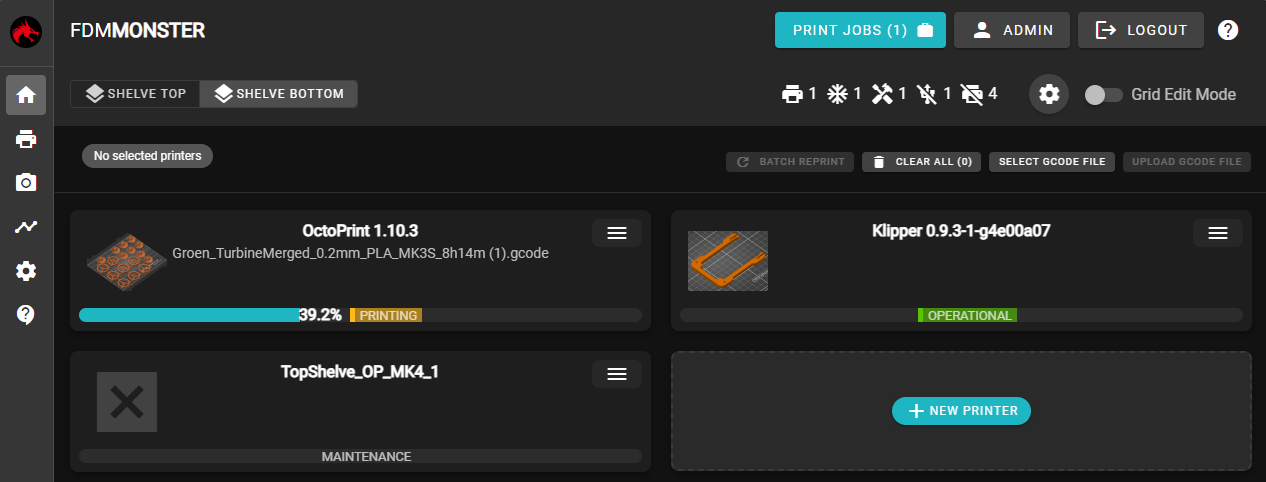
FDM Monster is capable of connecting to over 100 OctoPrint instances allowing you to be able to manage your 3D Printing Farm using a single view!
Quick Start
Choose your preferred installation method and get started right away.
- Linux
- Docker Compose
- Docker
- Raspberry Pi (MonsterPi)
Run this one-line command to automatically install FDM Monster on Ubuntu / Debian / Raspberry Pi OS:
curl -fsSL https://raw.githubusercontent.com/fdm-monster/fdm-monster-scripts/main/install/linux/install.sh | bash
1. Create a docker-compose.yml file:
services:
  fdm-monster:
    container_name: fdm-monster
    image: fdmmonster/fdm-monster:2
    restart: unless-stopped
    deploy:
      restart_policy:
        delay: 5s
        window: 120s
    ports:
      - "4000:4000"
    volumes:
      - fdm-monster-media:/app/media
      - fdm-monster-database:/app/database

volumes:
  fdm-monster-media:
  fdm-monster-database:
2. Start the container:
docker-compose up -d
Run FDM Monster in a Docker container with this single command:
docker run -d \
  --name fdm-monster \
  -p 4000:4000 \
  -v fdm-monster-media:/app/media \
  -v fdm-monster-database:/app/database \
  --restart unless-stopped \
  fdmmonster/fdm-monster:2
MonsterPi is a pre-built Raspberry Pi image with FDM Monster already configured and ready to use. Perfect for Raspberry Pi 3B+, Pi 4, Pi 5 and compatible devices.